 Kaidan

Welcome Kaidan 0.15.0! This release adds experimental support for calls. In addition, it contains some very useful improvements and lots of fixes.
Most of the work has been funded by NLnet via NGI Zero Entrust and NGI Zero Commons Fund with public money provided by the European Commission.
Audio/Video Calls
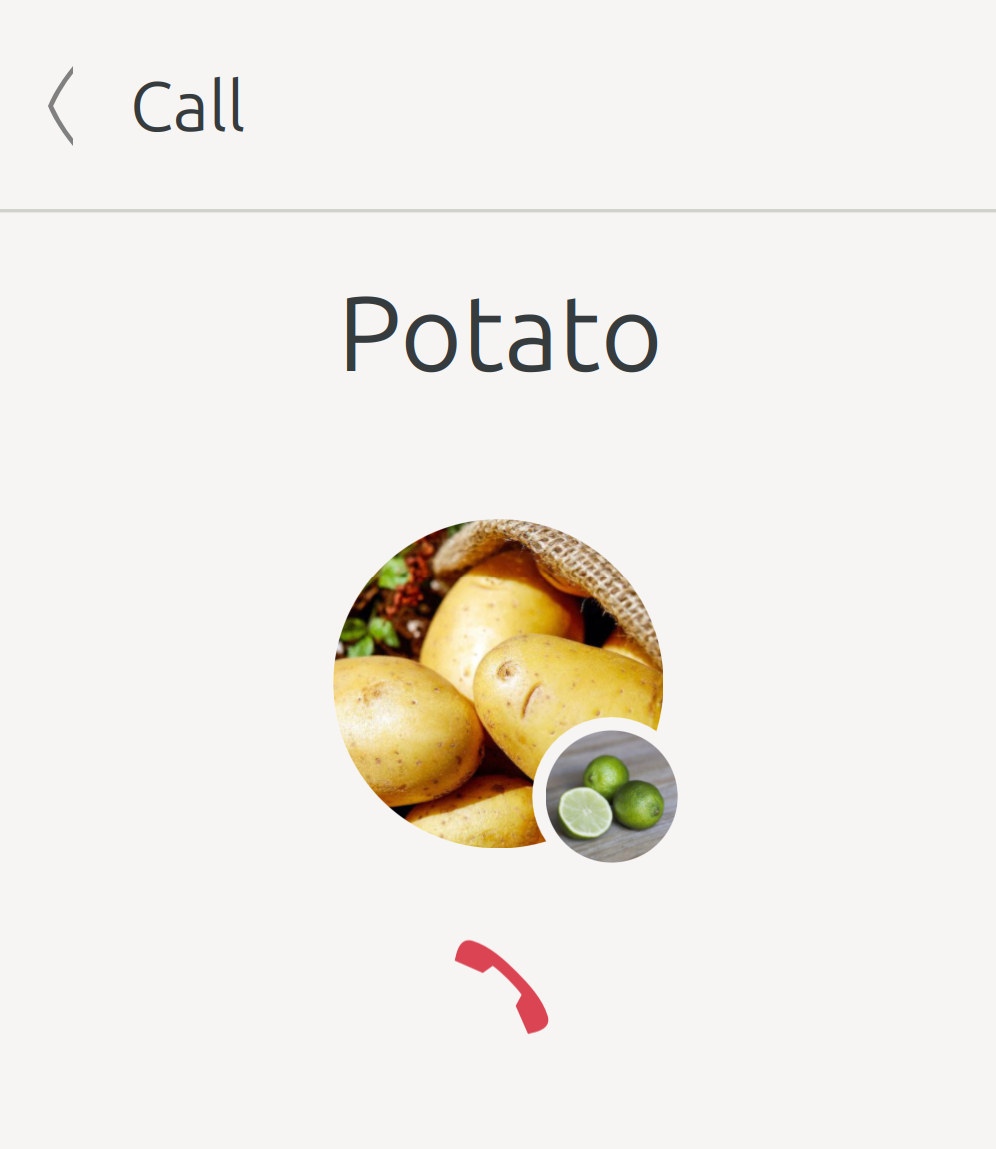
Kaidan has supported voice and video messages for a long time. Starting with this release, you can even have an audio or video call with a contact! An incoming call is indicated via a notification and you can either accept or reject it.
Please note that there are still some features missing and some setups may not work properly. Especially, calls are only supposed to work on Linux at the moment. But wee wanted to share the current achievements with you to get some feedback! Our goal is to extend the A/V calls functionality and make it available on other operating systems in the future.
Notifications for Group Chat Replies
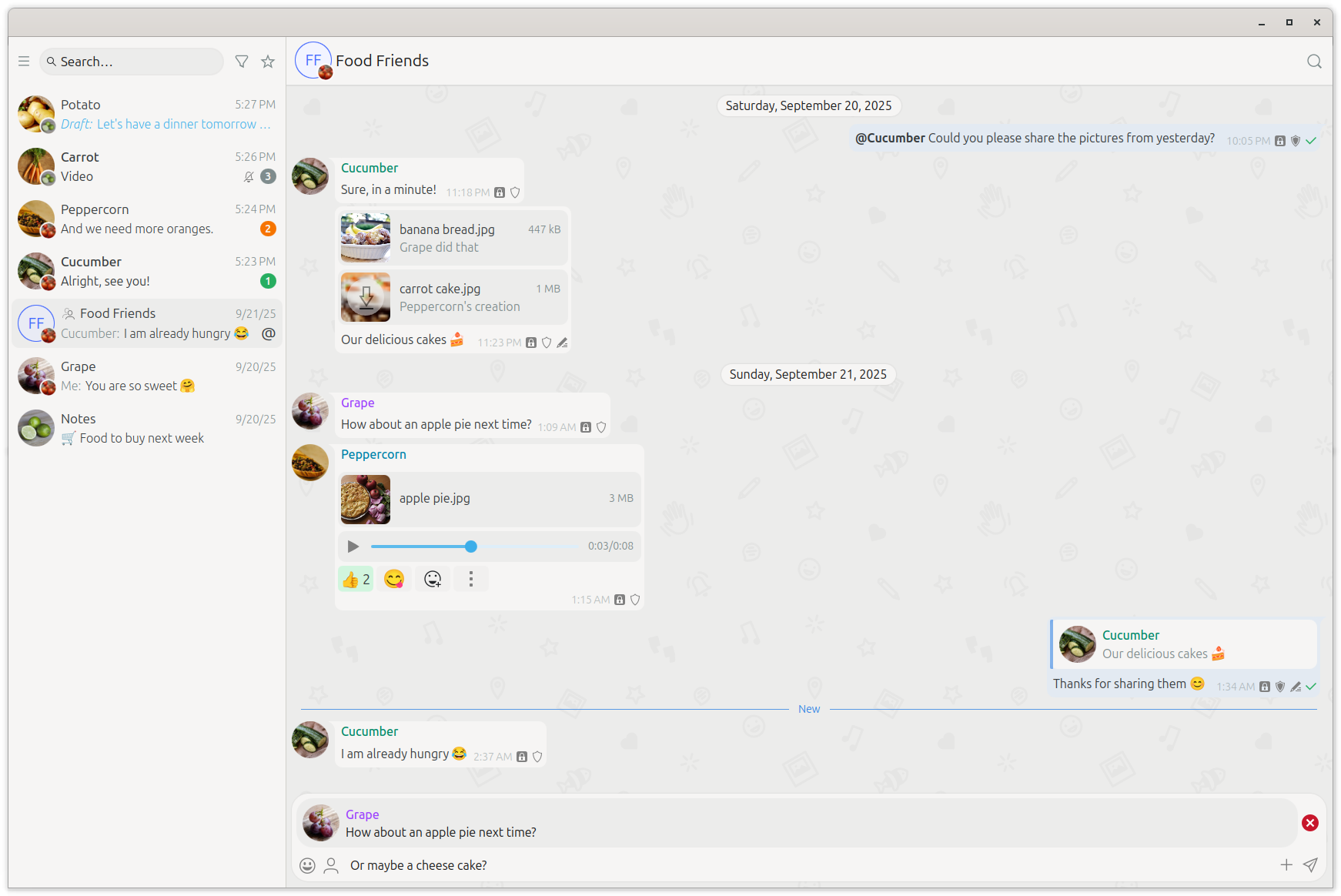
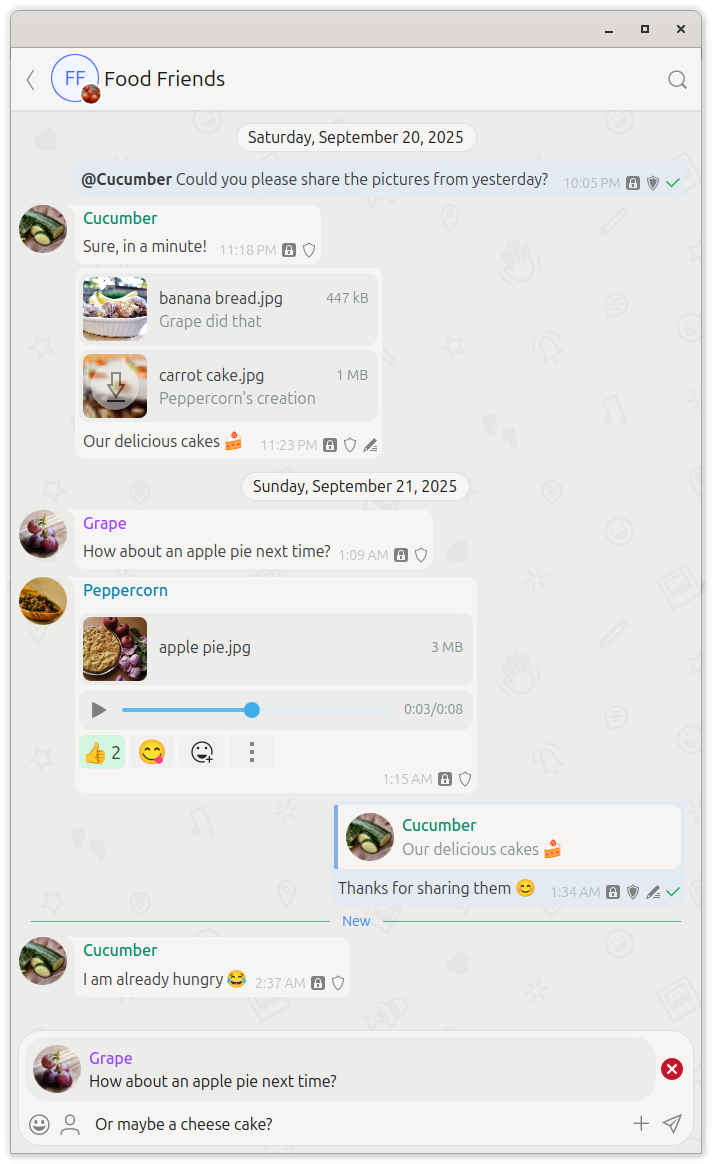
Formerly, you got a notification if someone mentioned you in a group chat while the corresponding setting was enabled. But you could miss replies to your messages. Kaidan notifies you now on receiving replies as well.
Message Input Field Focusing
In contrast to the soft keyboard on a mobile device, which needs to be opened each time you want to enter something, your keyboard is always reachable on a desktop device. Why not make use of that circumstance? Kaidan ensures that the most relevant message input field stays focused to allow entering text without an additional click into the corresponding field. That way, you can interact smoothly with the user interface and be more productive.
Advanced Message Highlighting
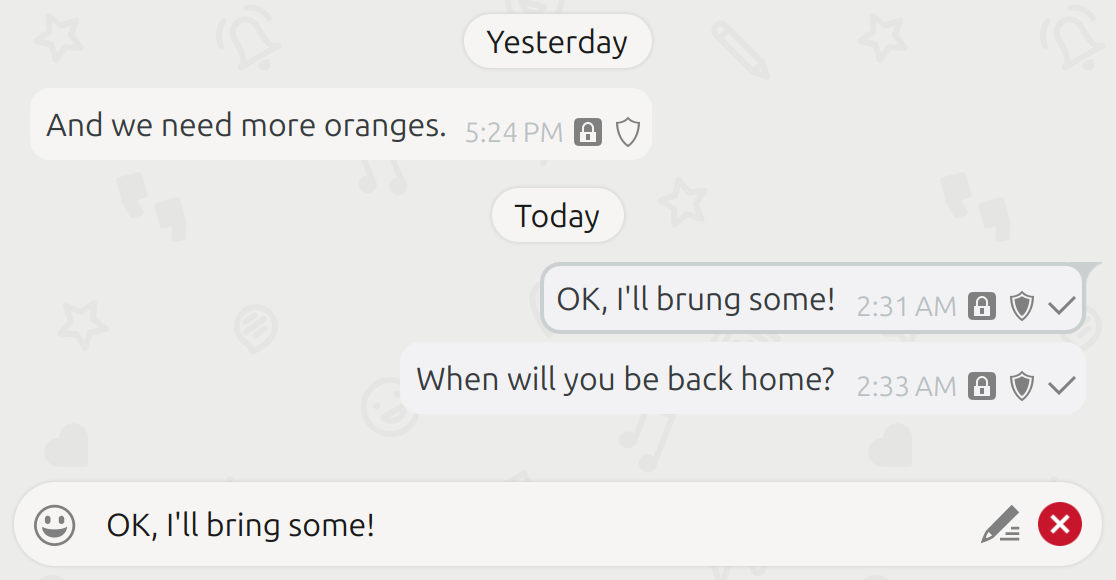
Kaidan 0.14 introduced highlighted messages if you opened their context menu. Messages are now also highlighted while they are being corrected or while you are choosing emojis to react to them. If another message was already highlighted before, that message is highlighted again once you sent the correction/reaction.
Integrated Search Field
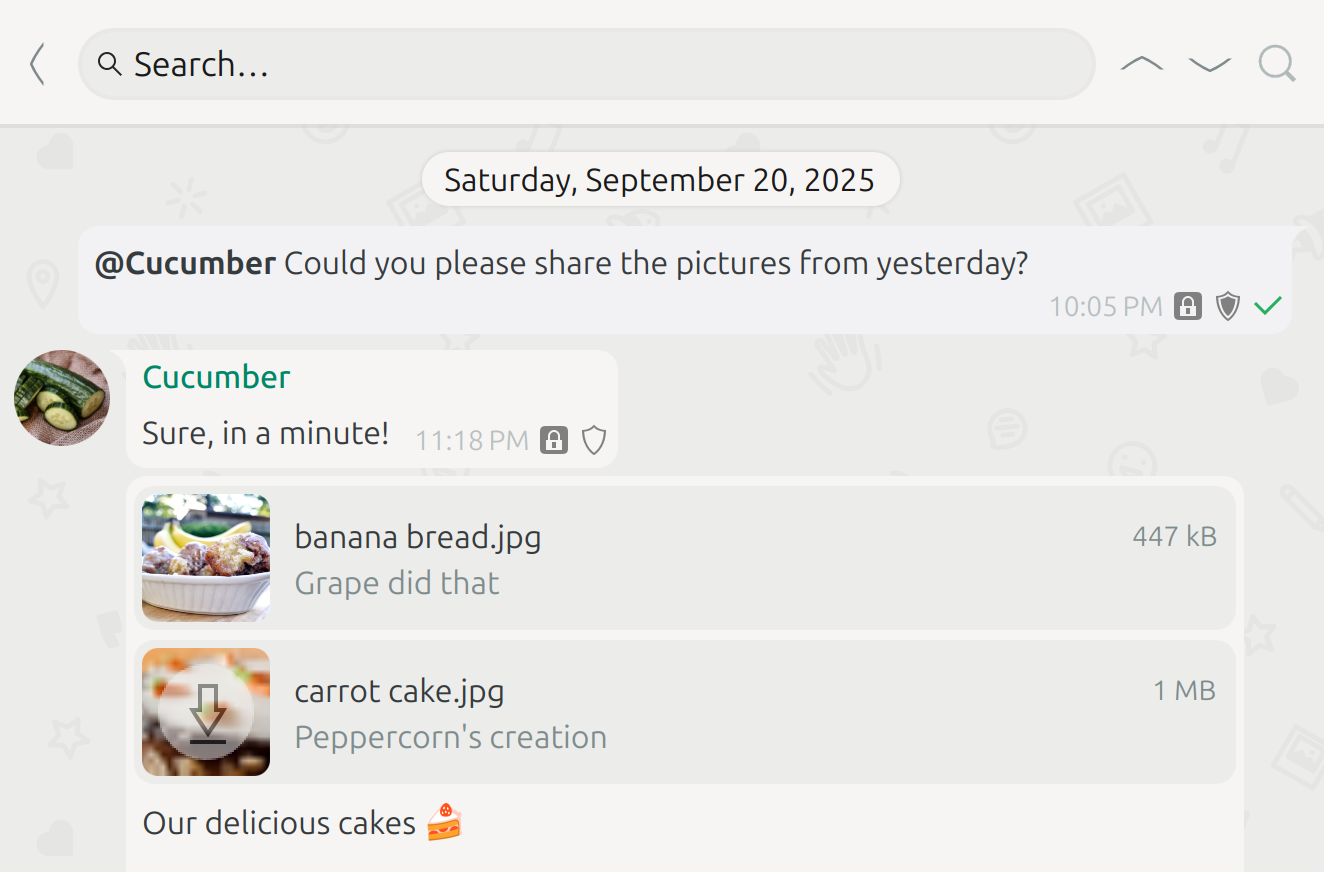
With Kaidan, you can quickly search for chats and messages. But while searching for messages, the opened search bar reduced the space for messages. On mobile devices, the search bar even consumed unnecessary space within the chat list. Both problems are solved now! The search field is integrated into the main toolbar above the messages resp. the chat list. You can even focus each search field via an own keyboard shortcut to directly search without moving the cursor.
Password Manager Fallback
Since Kaidan’s last version, passwords are stored in a password manager if the system provides one. But there was no fallback yet. It is now possible to use Kaidan even if no password manager is available. In that case, the passwords are stored in an unencrypted file. Once Kaidan detects a password manager on start, the unencrypted passwords are automatically migrated to the password manager.
Changelog
There are several other improvements. Have a look at the following changelog for more details.
Features:
- Add support for audio/video calls (XEP-0166: Jingle, XEP-0167: Jingle RTP Sessions, XEP-0176: Jingle ICE-UDP Transport Method, XEP-0215: External Service Discovery, XEP-0320: Use of DTLS-SRTP in Jingle Sessions, XEP-0353: Jingle Message Initiation) (@melvo)
- Show busy indicator while saving captured image/video data (@melvo)
- Notify on receiving reply to own group chat message if ‘On mention’ notification setting is enabled (@melvo)
- Select file after opening in folder on Linux if supported (@melvo)
- Improve media capturing look/behavior (including preview after capturing image until image is saved) (@melvo)
- Restore focusing of last focused user interface elements (especially message input field) for various use cases (@melvo)
- Keep message bubble highlighted on reacting/correcting (@melvo)
- Allow to select message for correction via Ctrl+Up/Ctrl+Down (@melvo)
- Integrate search field into main toolbar increasing space for messages and, on mobile devices, even for chats in chat list (@melvo)
- Show message search field via Ctrl+Shift+F (@melvo)
- Display toolbar buttons on mobile devices exactly as on desktop devices (@melvo)
- Hide horizontal separator above top-most chat unless chat list is scrolled (@melvo)
- Store passwords in unencrypted file if no password manager is available or corresponding command-line option provided (@fazevedo)
- Migrate unencrypted passwords to password manager if available on start (@fazevedo)
Bugfixes:
- Fix overlapping message bubble tail (@melvo)
- Fix medium preview hovering if hidden drop area info is hovered (@melvo)
- Fix updating OMEMO 2 keys for all use cases (@melvo)
- Fix deadlock on logout during upload of multiple files (@melvo)
- Fix creating additional database connection on wrong thread (@melvo)
- Fix sending/resetting whether message is being composed for various corner cases (switching chat, logging out, disabling corresponding setting) (@melvo)
- Fix updating last message on receiving initial message after setting up existing account in Kaidan for first time (@melvo)
- Fix resetting draft message after canceling message correction (@melvo)
- Fix resending failed message reaction (@melvo)
- Fix selecting previously selected message after changing reactions (@melvo)
- Fix restoring message highlighting and cancel ongoing correction/reply on removing corresponding message (@melvo)
- Fix displaying last message sender in chat list after draft message removal (@melvo)
Notes:
- Kaidan requires Kirigami Addons 1.8 now
- Kaidan requires QXmpp 1.14 now
Download
- Source code (.tar.xz) (sig signed with 04EFAD0F7A4D9724)
- Linux (Flatpak on Flathub)
Or install Kaidan for your distribution:

 KDE
KDE